How to Add a Hotel
Modified on: 2025-10-24 16:40
TABLE OF CONTENTS
Overview
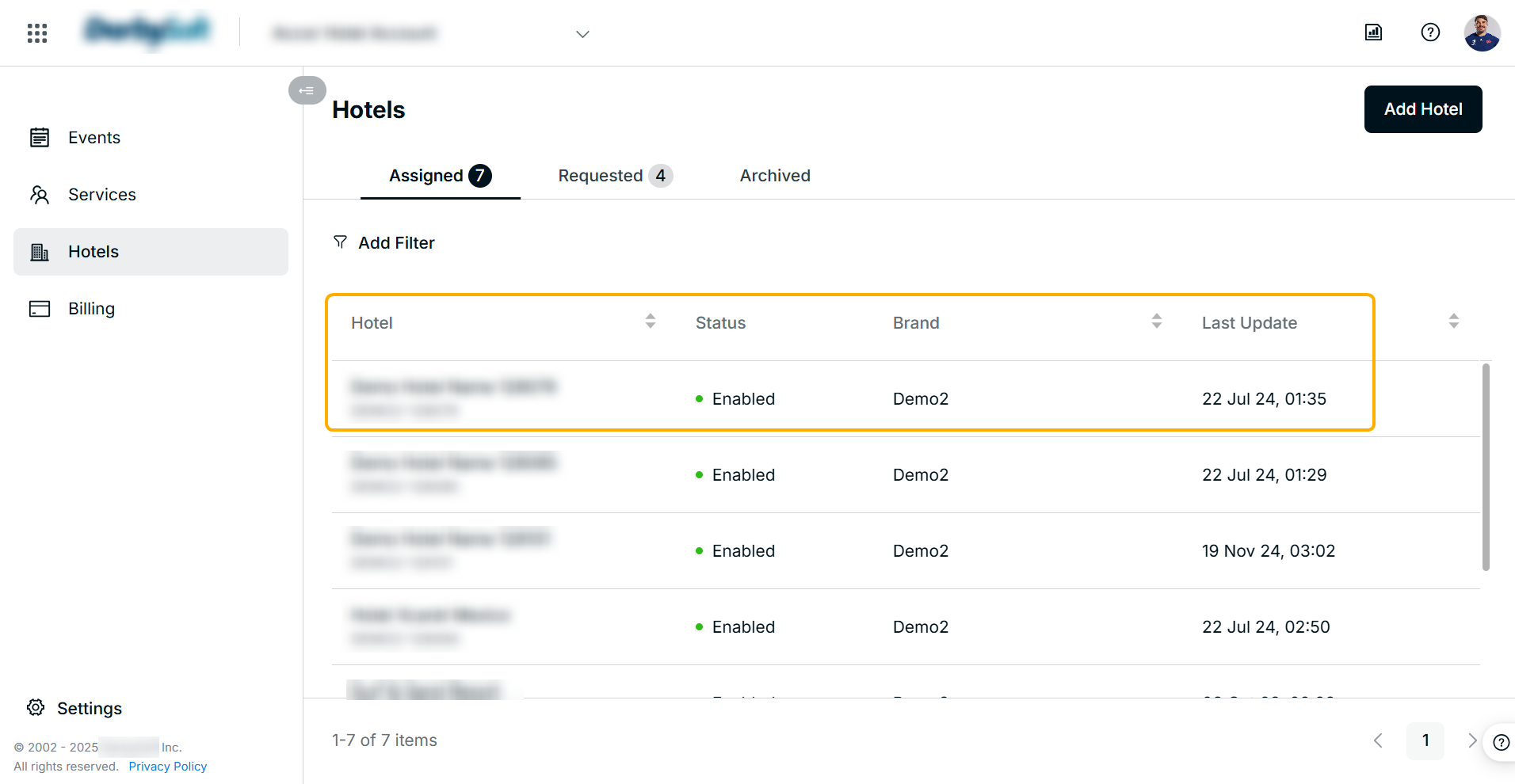
The Hotels menu provides a list view of hotels managed within your hotel account.
As a hotel owner, you can request access to your hotel account, subject to review and approval by the program admin.
Step-by-step guide to add hotel
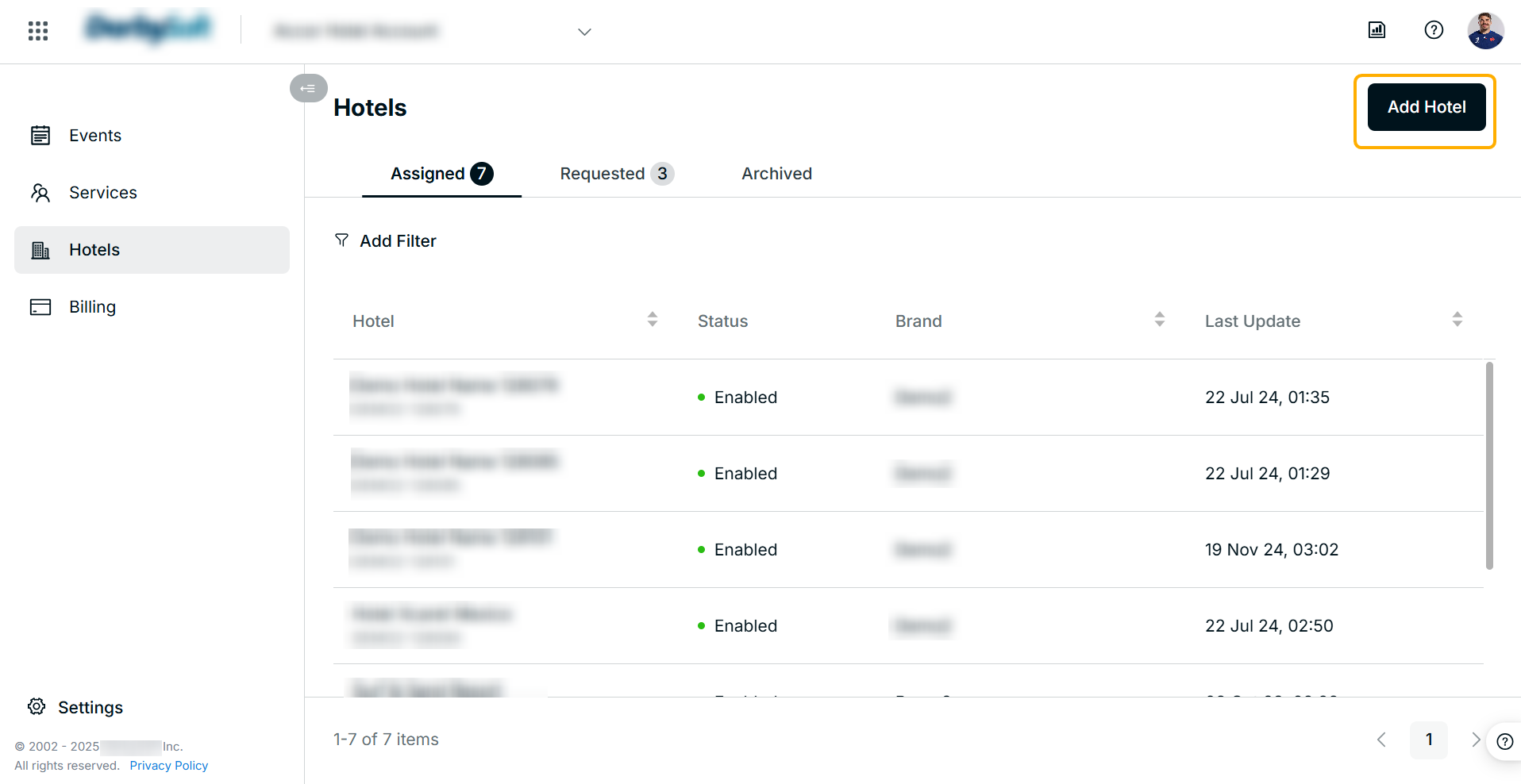
- Click on the "Add Hotel" button on the top right.
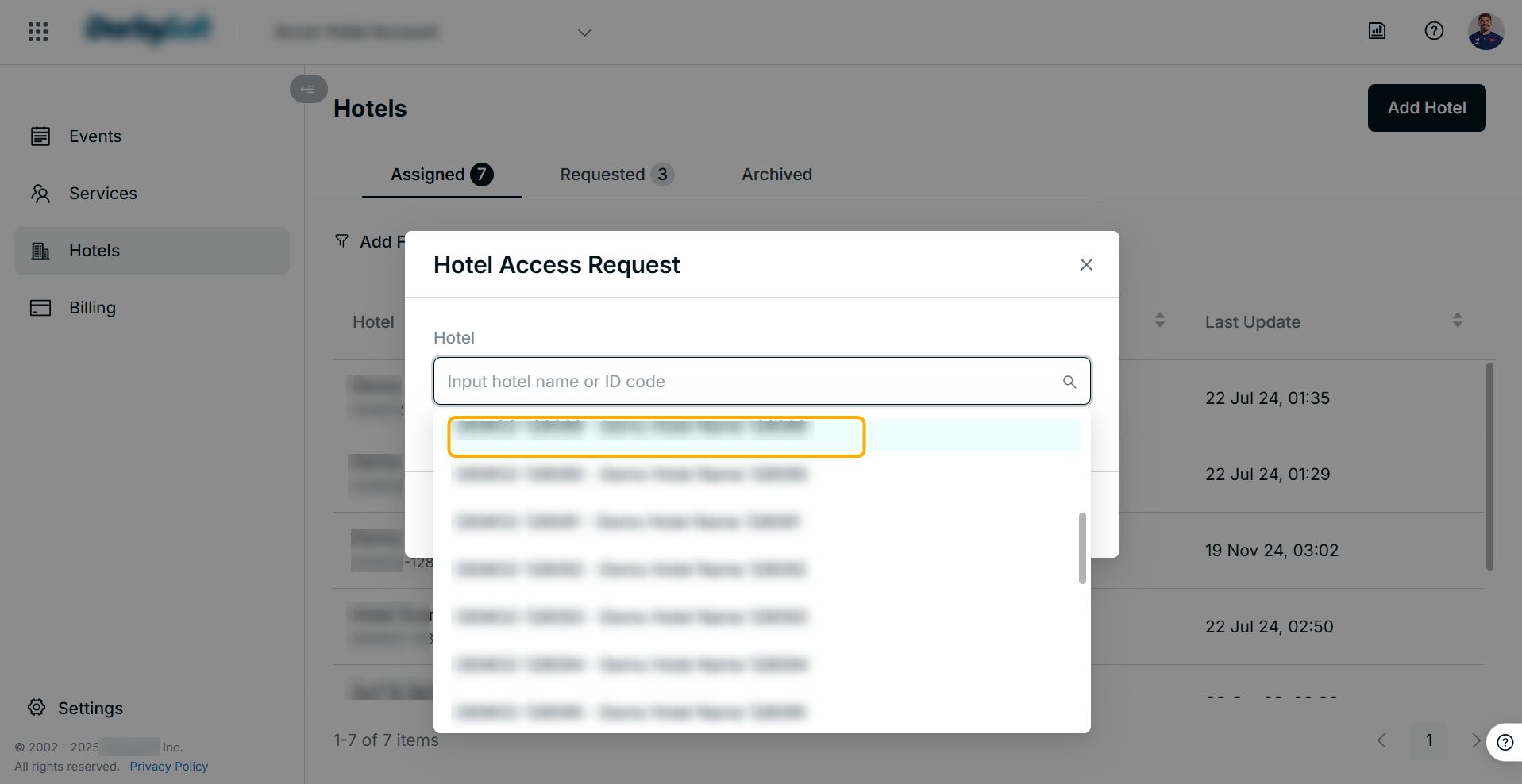
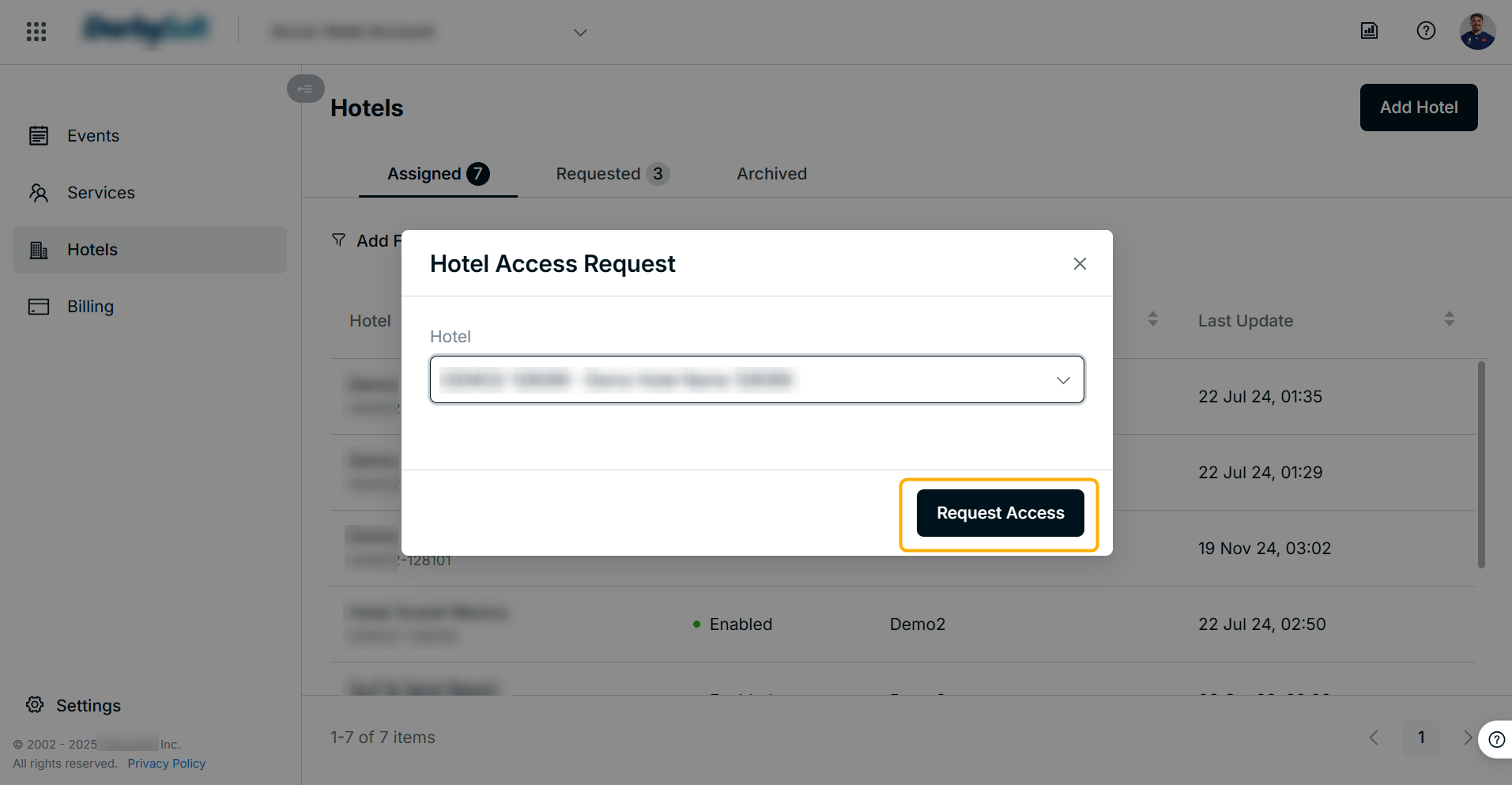
- Select the hotel from the dropdown list and click on the "Request Access" button.
- You will see the hotel request progress in the Requested tab.
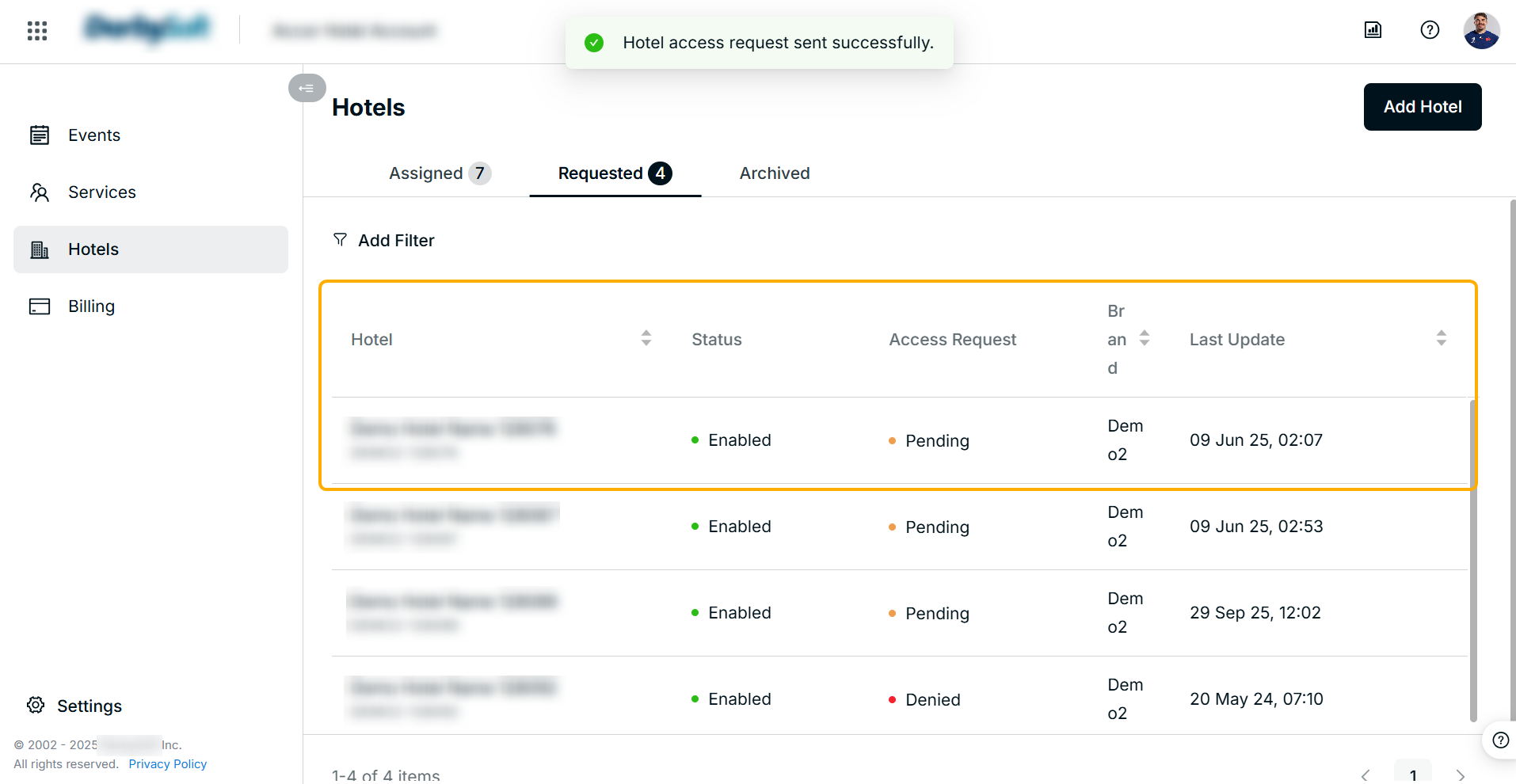
- You will see the hotel in the Assigned tab after the Program Admin approves your request.
Did you find it helpful? Yes No
Send feedbackSorry we couldn't be helpful. Help us improve this article with your feedback.